How to Set Up Maintenance Mode on Your Minecraft Server
Keep players out with a clean maintenance screen while you work, without shutting down.
Keep players out with a clean maintenance screen while you work, without shutting down.
When you're updating plugins or fixing something, you don't want players joining in the middle of it. You could stop the server, but then it looks offline and people wonder if it's dead. Maintenance mode is better: the server stays up, shows a "we're doing maintenance" message in the server list, and only lets in the staff who need to work.
Requirements
- A Paper or Spigot server, or a BungeeCord/Velocity proxy.
Installation
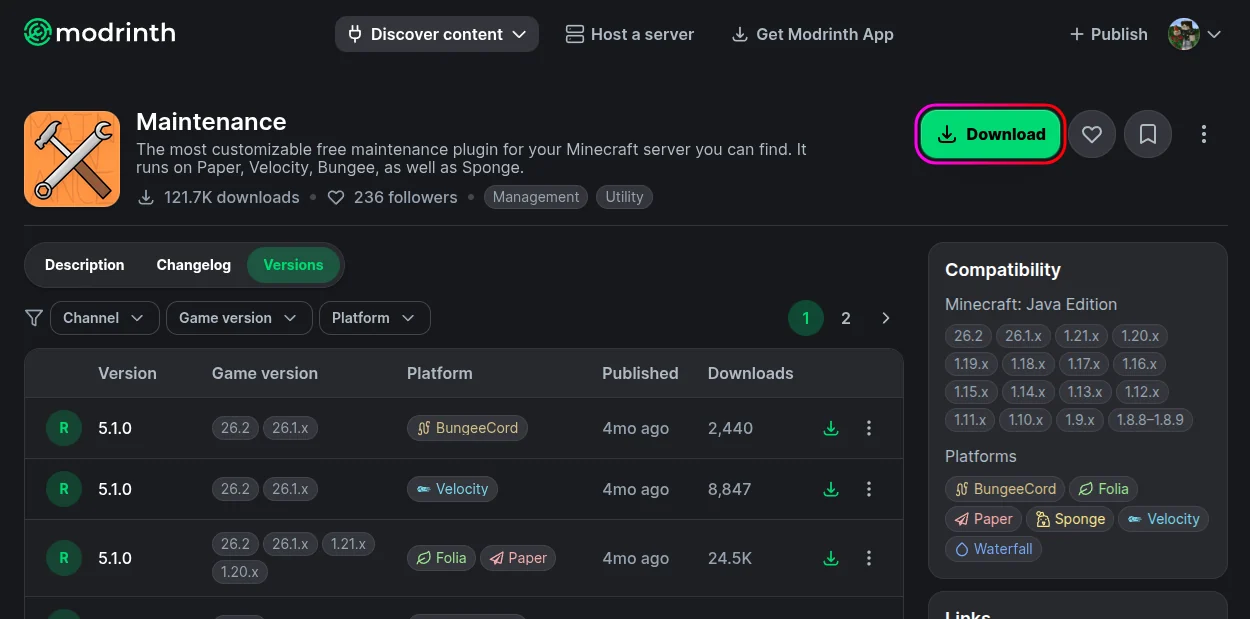
- Download Maintenance from Modrinth.
- Stop your server from the MCServerHost dashboard.
- Upload the jar to
plugins/via the File Manager.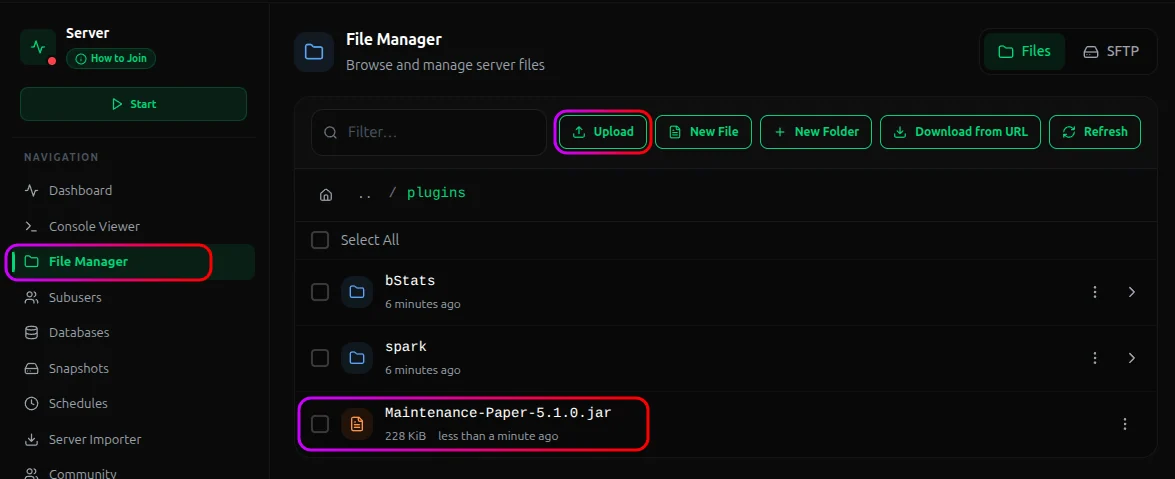
- Start the server. It generates its config on first run.
Turning It On and Off
| Command | What it does |
|---|---|
/maintenance on |
Enable maintenance: kicks non-whitelisted players and blocks new joins |
/maintenance off |
Disable it: server open to everyone again |
/maintenance status |
Check whether it's on |
/maintenance add <player> |
Let a player through while maintenance is on |
/maintenance remove <player> |
Remove someone from the maintenance whitelist |
Flip it on, do your work, flip it off. Players who try to join while it's on see your maintenance message instead of connecting.

Customize What Players See
In the plugin's config you can set:
- The kick/join message players get when they try to connect during maintenance.
- The server list MOTD and icon shown while maintenance is active, so it's obvious it's intentional, not broken.
- A scheduled maintenance timer, if you want it to enable/disable automatically at set times.
This is separate from your normal MOTD. The plugin swaps to the maintenance one only while maintenance is on.
Conclusion
Install Maintenance, add yourself to its whitelist, and use /maintenance on whenever you're working. Players see a clean "under maintenance" screen instead of an offline server, and you get to fix things in peace. On a proxy, install it there to gate the whole network.
If you run into issues on MCServerHost, join our Discord server or contact us at support@mcserverhost.com.
Related guides
- How to Fix High Ping on a Minecraft Server: Learn how to diagnose and troubleshoot high ping on your Minecraft server.
- How to Set Up RCON on Your Minecraft Server: How to Set Up RCON on Your Minecraft Server at MCServerHost
- How to Set Up a Velocity: Run multiple Minecraft servers behind one address with Velocity and send players to the right backend automatically.
- How to Set Up a Custom Domain for Your Minecraft Server: Set a custom domain so players can join with a cleaner server address.